
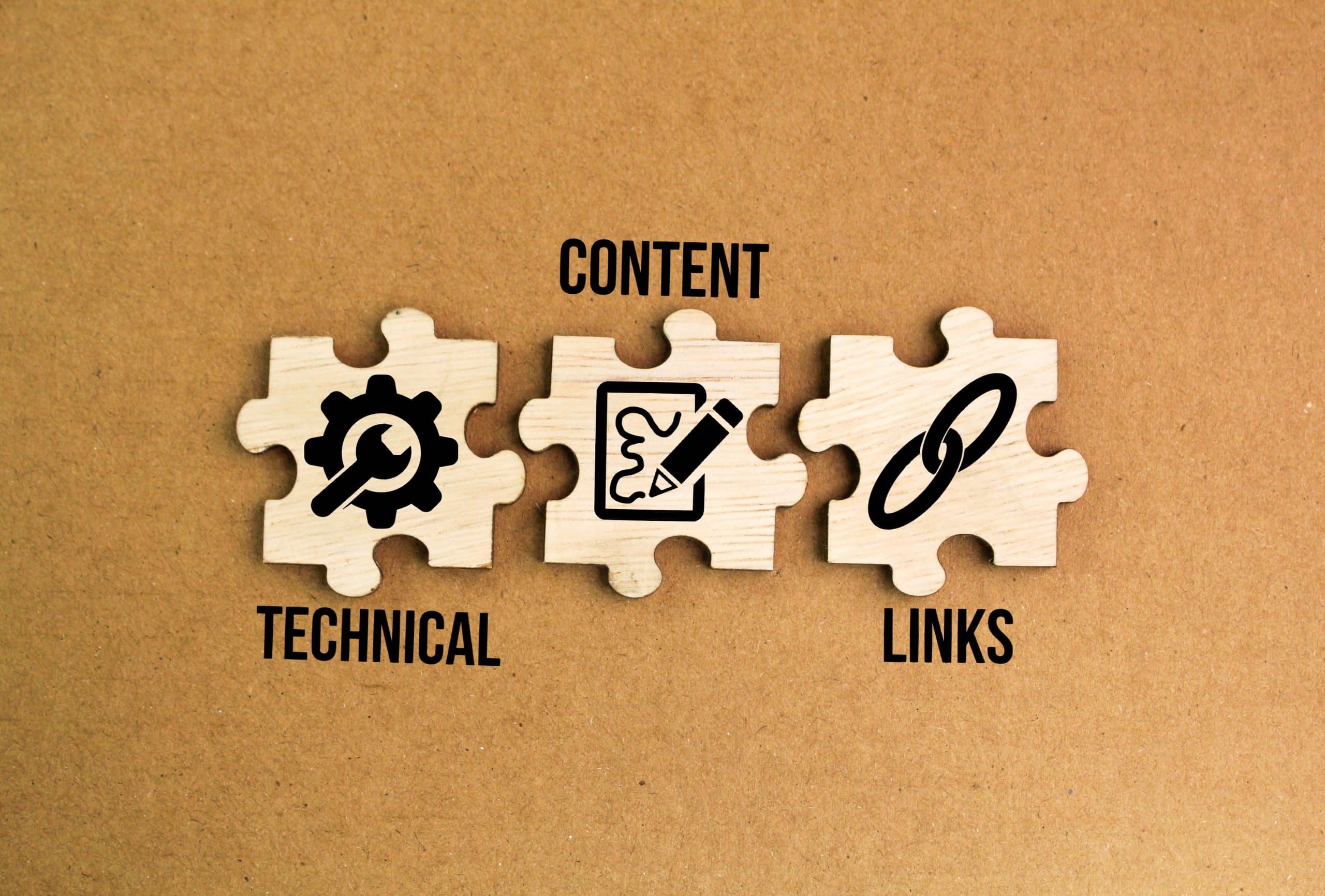
Let’s face it – having a beautiful website isn’t enough anymore. I’ve spent the last decade in the trenches of digital marketing, and I can tell you firsthand: the websites that truly succeed are the ones that nail their technical SEO. Think of it as the engine under the hood of a luxury car – it might look great on the outside, but it’s what’s underneath that really makes it perform.
I’m not just talking theory here. I’ve helped countless businesses transform their online presence, and I’ve seen how the right technical SEO strategy can turn a struggling website into a traffic-generating powerhouse. Whether you’re a startup founder or running an established business, this guide will walk you through everything you need to know about technical SEO in plain, practical terms.
What Is Technical SEO?
Technical SEO refers to the process of optimizing your website’s infrastructure so that search engines can crawl, index, and render your pages effectively. Unlike on-page SEO—which focuses on content, keywords, and internal linking—Technical SEO is concerned with the backend elements of your website that support overall performance. Think of it as the foundation of a building: if the foundation is weak, even the most beautifully designed building won’t stand the test of time.
Technical SEO covers a wide range of practices, including:
- Site Speed Optimization: Ensuring your website loads quickly on all devices.
- Mobile-Friendliness: Making your site accessible and usable on mobile devices.
- Crawlability and Indexability: Helping search engines navigate and index your site.
- Structured Data and Schema Markup: Providing clear signals about your content.
- Security and SSL: Protecting your site and its users.
- URL Structure and Site Architecture: Organizing content in a logical, accessible manner.
- Canonicalization and Duplicate Content Management: Preventing confusion over which page should rank.
Understanding and implementing these elements can significantly improve your website’s performance and search engine ranking, which in turn drives more organic traffic and leads to increased revenue.
Why Technical SEO Matters for Your Business
Improved User Experience
At its core, Technical SEO is about making your website easier to use. A fast-loading, mobile-friendly site not only pleases search engines but also keeps visitors engaged. In today’s fast-paced world, users expect instant results—if your site takes too long to load or is hard to navigate, they’ll likely leave for a competitor. Enhancing technical aspects of your website leads to a smoother, more enjoyable experience, which can result in lower bounce rates and higher conversion rates.
Higher Search Engine Rankings
Search engines like Google use complex algorithms to determine which pages should appear in search results. Many of these algorithms factor in technical aspects such as page speed, mobile usability, and structured data. By optimizing these factors, you can help search engines understand your content better, thereby increasing your chances of ranking higher. A higher ranking means increased visibility, which is crucial in a competitive market.
Better Crawlability and Indexing
Even if you have excellent content, if search engines can’t crawl or index your site properly, your content won’t rank. Technical SEO ensures that your site’s structure and coding allow search engine bots to easily access, understand, and index your pages. Proper use of sitemaps, robots.txt files, and canonical tags helps prevent issues like duplicate content and broken links, which can harm your rankings.
Enhanced Site Security
Security is a major concern for both users and search engines. A website without an SSL certificate (HTTPS) is flagged as “not secure” by browsers, which can deter potential customers. Moreover, security issues can lead to indexing problems or even manual penalties from search engines. Technical SEO practices, such as implementing SSL and ensuring regular updates and security audits, protect your site and build trust with your audience.
Key Components of Technical SEO
Site Speed Optimization
Why It Matters: Site speed is a critical ranking factor and directly impacts user experience. Slow-loading pages frustrate visitors, leading to high bounce rates and lost conversions.
How to Improve Site Speed:
- Optimize Images: Compress and resize images without sacrificing quality using tools like TinyPNG or ShortPixel.
- Minify CSS, JavaScript, and HTML: Remove unnecessary characters and white spaces to reduce file sizes.
- Enable Browser Caching: Allow browsers to store frequently accessed resources so subsequent visits load faster.
- Use a Content Delivery Network (CDN): Distribute your site’s content across multiple servers to reduce latency for users in different geographical areas.
- Leverage GZIP Compression: Compress your files to speed up load times.
Mobile-Friendliness
Why It Matters: With more than half of all online traffic coming from mobile devices, a mobile-friendly website is essential. Google’s mobile-first indexing means the mobile version of your site is used for ranking and indexing.
How to Optimize for Mobile:
- Responsive Design: Ensure your website adjusts seamlessly to different screen sizes.
- Mobile-Specific Elements: Use larger fonts, touch-friendly buttons, and a simplified navigation menu to enhance usability.
- Accelerated Mobile Pages (AMP): Consider implementing AMP for faster loading on mobile devices, especially for content-heavy pages.
Crawlability and Indexability
Why It Matters: Search engines need to be able to crawl your site efficiently. If your pages are not indexed properly, they won’t appear in search results.
How to Improve Crawlability:
- Create and Submit a Sitemap: A well-structured XML sitemap helps search engines find and index your pages.
- Optimize Robots.txt: Ensure your robots.txt file isn’t inadvertently blocking important pages from being crawled.
- Fix Broken Links: Regularly audit your website for broken links and redirect them appropriately to maintain a seamless user journey.
- Use Internal Linking: A strong internal linking strategy helps distribute link equity and ensures that all important pages are accessible.
Structured Data and Schema Markup
Why It Matters: Structured data helps search engines understand your content’s context, enabling rich snippets in search results. These enhanced results can improve your click-through rate (CTR).
How to Implement Structured Data:
- Use Schema.org Markup: Implement appropriate schema markup for products, reviews, events, or articles to provide detailed information about your content.
- Test with Google’s Rich Results Test: Ensure your structured data is implemented correctly and free of errors.
Security and SSL
Why It Matters: A secure website builds trust with users and is favored by search engines. Websites without proper security measures risk being labeled “not secure,” leading to lower rankings and reduced user confidence.
How to Secure Your Site:
- Implement HTTPS: Secure your website with an SSL certificate. This encrypts data and protects user information.
- Regular Security Audits: Monitor your website for vulnerabilities and ensure software and plugins are up to date.
- Use Security Plugins/Tools: For platforms like WordPress, tools like Wordfence can help monitor and prevent malicious activity.
URL Structure and Site Architecture
Why It Matters: A clean, logical URL structure makes it easier for search engines and users to navigate your site. Good site architecture enhances usability and ensures important pages receive proper emphasis.
How to Optimize Your URL Structure:
- Descriptive URLs: Use clear, concise URLs that include target keywords.
- Consistent Hierarchy: Maintain a logical structure, where directories reflect the content hierarchy.
- Canonical Tags: Prevent duplicate content issues by specifying canonical URLs for similar or duplicate pages.
Handling Duplicate Content
Why It Matters: Duplicate content can confuse search engines and dilute your page rankings. It’s important to ensure that each piece of content is unique and properly attributed.
How to Manage Duplicate Content:
- Canonicalization: Use canonical tags to indicate the preferred version of a page.
- 301 Redirects: Implement redirects for old pages or duplicate content to consolidate link equity.
- Unique Content Strategy: Regularly audit your content to ensure each page offers unique value.
Ongoing Maintenance and Best Practices
Regular Site Audits
Technical SEO isn’t a one-time fix—it requires continuous monitoring and adjustments. Use tools like Screaming Frog, SEMrush Site Audit, or Google Search Console to perform regular site audits. Look for issues such as broken links, crawl errors, or slow-loading pages and address them promptly.
Keeping Up With Algorithm Updates
Search engine algorithms are constantly evolving. Stay informed about major updates (like Google’s Core Web Vitals or mobile-first indexing changes) and adjust your technical strategy accordingly. Following industry blogs and participating in SEO forums can provide valuable insights and early warnings about potential changes.
Documentation and Reporting
Maintain detailed documentation of your technical SEO efforts. Use reporting tools to track key metrics like page load times, mobile performance scores, and indexing errors. This data not only helps you make informed decisions but also provides transparency to stakeholders who may not be familiar with the technical side of SEO.
Collaboration With Web Developers
Technical SEO often involves changes to your site’s code and structure. Collaborate closely with your web development team to implement best practices and ensure that changes are tested thoroughly before deployment. Clear communication between SEO specialists and developers is crucial to avoid misconfigurations that could hurt your rankings.
Why Invest in Technical SEO?
Investing in technical SEO is investing in the long-term health of your website. A robust technical foundation not only improves search engine visibility but also enhances user experience, which is critical for converting visitors into customers. For business owners, this means better performance, higher conversion rates, and ultimately, a stronger bottom line.
Consider these benefits:
- Cost Efficiency: Once technical SEO improvements are in place, they provide lasting benefits without the need for ongoing, high-cost interventions.
- Competitive Advantage: A well-optimized site can outperform competitors even in highly competitive markets.
- Adaptability: A technically sound website is more resilient to algorithm updates and changes in user behavior.
- Enhanced Credibility: A fast, secure, and easy-to-navigate website builds trust with users, which can directly translate into higher conversions and customer loyalty.
Let’s Take Your SEO to the Next Level
Technical SEO might seem daunting, but it’s the backbone of any successful online presence. From optimizing site speed and mobile performance to ensuring secure, clean URL structures and implementing structured data, every technical improvement you make enhances your website’s ability to rank and convert. For business owners new to SEO, understanding these foundational elements is the first step toward building a robust digital strategy that stands the test of time.
If you’re ready to take your website’s performance to the next level and ensure that every element is optimized for both search engines and users, now is the time to invest in technical SEO. With years of experience guiding businesses through these technical challenges, I’m here to help you build a site that not only meets today’s standards but is ready for tomorrow’s opportunities.
Let’s work together to unlock your website’s full potential. Contact me today to discuss how we can transform your site into a powerful asset that drives traffic, engages visitors, and converts clicks into customers—all while keeping your digital presence competitive in the evolving landscape of 2025.