Live Video Marketing: A Complete Guide to Engaging Your Audience in Real Time
Live video works when people want a real answer, a live demo, or a behind-the-scenes view they cannot get from a polished edit. It fails when the setup is too complex or the point is too vague.
Use live video for the right moments
- Product launches and announcements.
- Q&A sessions.
- Short demos or walkthroughs.
- Event coverage and on-site updates.
Keep the run-of-show short
Plan the first 10 minutes
Write down the opening, the one or two key points, the questions you want to answer, and the close. A simple outline is usually enough to keep the stream focused without making it feel scripted.
Assign the support roles
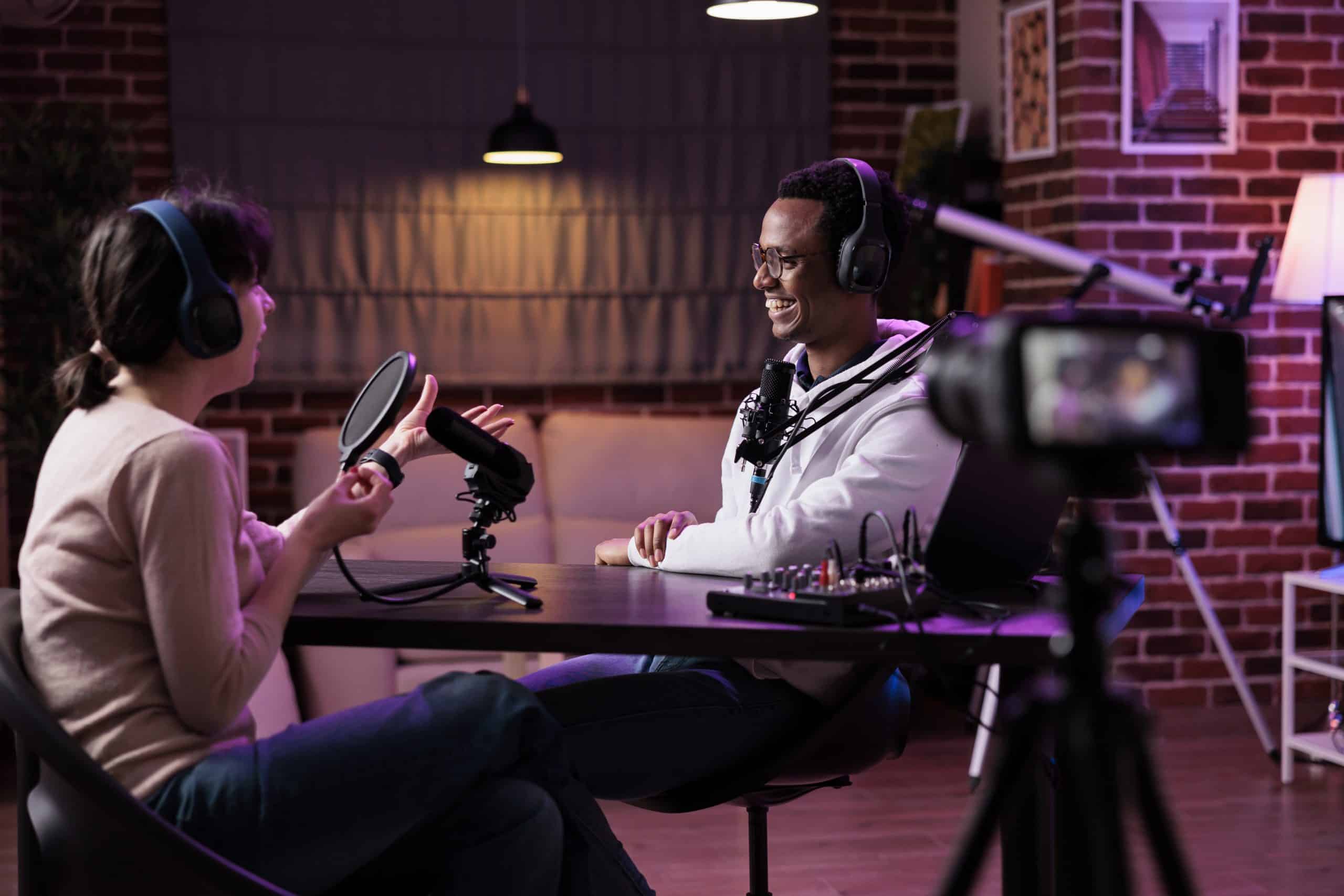
- One person hosts.
- One person watches chat and comments.
- One person handles backup audio, lighting, or screen share if needed.
Repurpose the recording after the stream
Live content should not disappear after the broadcast ends. Cut the best moments into short clips, pull screenshots for social, and package the recap for email or blog use. If you need help with the capture itself, see our videography production service or the broader services page.
Next step
If you want live video to feel useful instead of chaotic, start with one question your audience already asks. Reach out if you want help planning the format.