
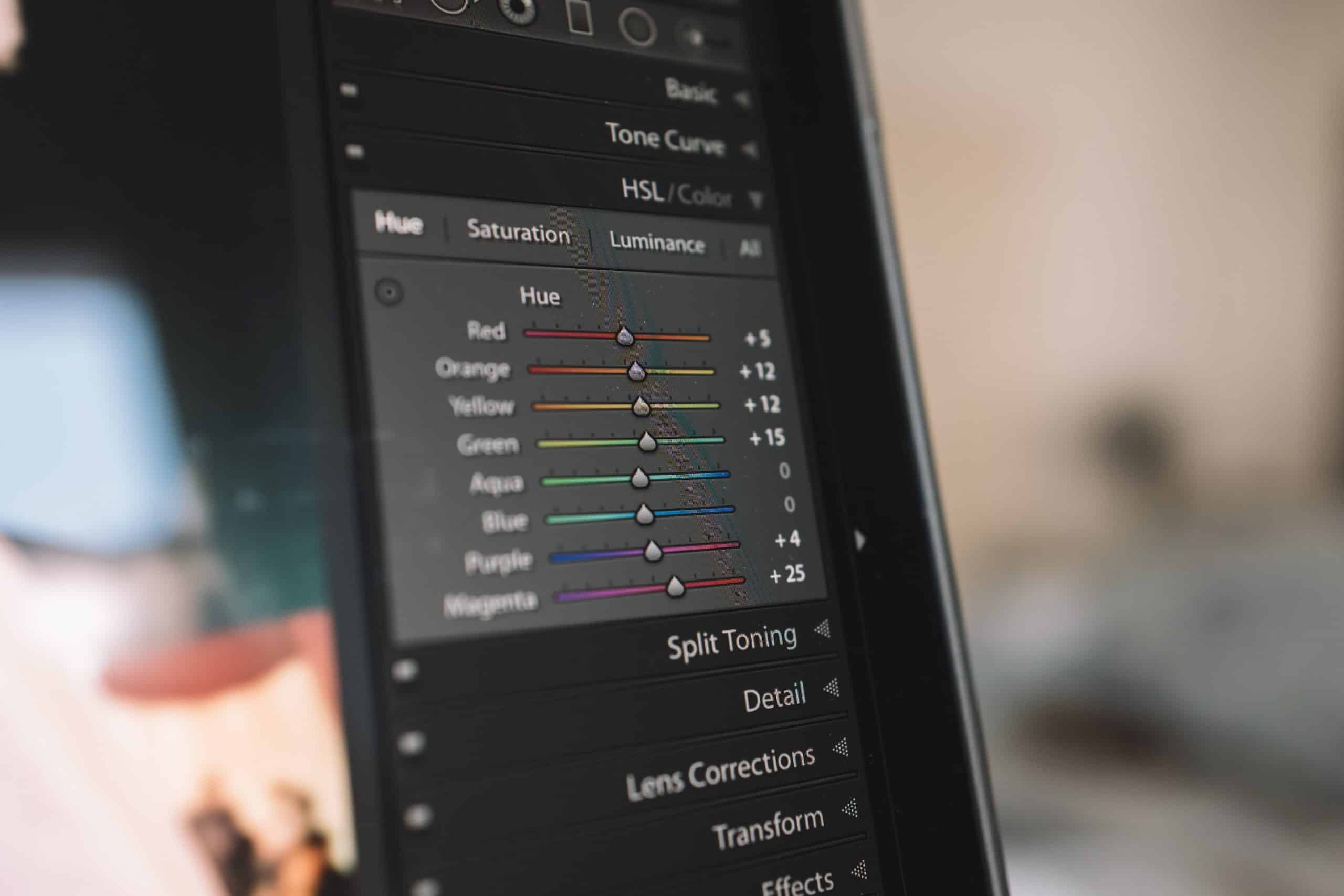
The rising popularity of dark mode interfaces represents more than just a design trend—it reflects a fundamental shift in how users interact with digital content. At Momentum Metrics, we’ve witnessed firsthand how thoughtfully implemented dark mode designs can enhance user experience, reduce eye strain, and create striking visual aesthetics that help brands stand out. However, dark mode implementation requires careful consideration to ensure it enhances rather than compromises usability.
The Rising Popularity of Dark Mode Interfaces
Dark mode has evolved from a developer-centric feature to a mainstream user preference, with major platforms and applications now offering dark themes as standard options. This shift represents both technical and cultural changes in digital design.
Why Dark Mode Has Become a User Expectation
The surge in dark mode popularity stems from several converging factors:
- Reduced Eye Strain: Dark interfaces can reduce eye fatigue during extended screen time, especially in low-light environments. As our digital consumption increases, users are increasingly conscious of visual comfort during prolonged usage.
- Energy Efficiency: On devices with OLED or AMOLED screens, dark interfaces can significantly reduce battery consumption, extending device usage time. This technical benefit has practical implications for users concerned about device longevity.
- Aesthetic Appeal: The high contrast and sophisticated appearance of dark interfaces provide a premium, immersive feeling that many users find visually appealing. This aesthetic preference has helped propel dark mode beyond purely functional considerations.
- Technical Culture: Dark mode’s roots in developer tools and coding environments have created a perception of technical sophistication that resonates with certain user demographics. What began as a niche preference has expanded into mainstream adoption.
Real-World Success Stories: How Brands Are Winning with Dark Mode
Major platforms have embraced dark mode, establishing patterns that shape user expectations:
- Operating Systems: Both iOS and Android offer system-wide dark mode settings that automatically adjust compatible applications, creating expectations for consistent experiences across devices.
- Social Media: Platforms like Twitter, Instagram, and Reddit have implemented dark mode options, often with multiple darkness levels to suit different preferences.
- Productivity Tools: Applications from Microsoft Office to Google Workspace now offer dark themes, acknowledging the importance of visual comfort during extended work sessions.
- Streaming Platforms: Services like Netflix and YouTube have long used dark interfaces to create immersive viewing experiences that minimize distractions around content.
Design Principles for Effective Dark Mode Implementation
Implementing dark mode effectively requires more than simply inverting colors. It demands a thoughtful approach to contrast, typography, and visual hierarchy.
Color Selection and Contrast Balancing
One common mistake in dark mode design is using a single solid background color, which can cause UI elements to blend together and reduce depth and readability. Instead, consider these principles:
- Avoid Pure Black: Instead of #000000, consider using dark grays (like #121212 or #1E1E1E) to reduce the stark contrast that can cause eye strain. These softer dark backgrounds create a more comfortable reading experience while maintaining the benefits of dark mode.
- Reduce Color Saturation: Highly saturated colors on dark backgrounds can cause visual discomfort and reduce readability. Material Design recommends using colors that are slightly toned down when designing for dark mode to ensure legibility and prevent eye strain.
- Maintain Sufficient Contrast Ratios: Ensure text remains highly legible by maintaining at least a 4.5:1 contrast ratio for normal text and 3:1 for large text, per WCAG accessibility guidelines.
- Create Depth Through Layering: Use subtle variations in background darkness to create a sense of depth and hierarchy.
Typography and Readability Optimizations
Typography requires special attention in dark mode to ensure optimal readability:
- Adjust Font Weights: Text that looks balanced in light mode may appear too heavy in dark mode. Consider using slightly lighter font weights for dark interfaces to maintain readability.
- Letter Spacing: Slightly increased letter spacing can improve readability of light text on dark backgrounds, particularly for smaller text sizes.
- Avoid Pure White Text: Just as pure black backgrounds can cause strain, pure white text can appear to “bleed” on dark backgrounds. Consider slightly off-white colors for primary text.
- Consider Different Font Choices: Some font families that work well in light mode may not perform optimally in dark mode.
Implementation Strategies for User-Friendly Dark Mode
Beyond the visual design elements, implementation strategies play a crucial role in creating a positive user experience with dark mode.
Technical Implementation Considerations
Implementing dark mode requires thoughtful technical consideration:
:root {
  /* Light mode variables (default) */
  --background: #ffffff;
  --text-primary: #333333;
  --accent-color: #4a90e2;
}

[data-theme="dark"] {
  /* Dark mode variables */
  --background: #121212;
  --text-primary: #e0e0e0;
  --accent-color: #64b5f6;
}
Industry-Specific Applications and Benefits
The benefits of dark mode vary significantly across different industries and use cases, making it particularly valuable for certain sectors.
Where Dark Mode Excels: Industry-Specific Benefits
- Entertainment and Gaming Platforms: Dark interfaces create immersive experiences that draw users deeper into digital worlds.
- Financial Apps and Dashboards: Dark backgrounds effectively highlight critical data, graphs, and numbers.
- Creative and Design Tools: Applications for photography, video editing, and graphic design benefit from dark interfaces.
- Reading and Content Consumption: News apps and reading platforms can utilize dark mode to enhance comfort during extended reading sessions.
Accessibility and Inclusive Design Considerations
Dark mode isn’t just about aesthetics—it’s an important component of accessible and inclusive design that considers diverse user needs.
Ensuring Dark Mode Works for All Users
- Color Contrast in Dark Environments: Ensuring sufficient contrast becomes even more critical in dark interfaces.
- Testing Across Vision Conditions: Dark mode implementations should be tested with users who have various visual conditions.
- Supporting Customization: Allow users to adjust contrast levels and font sizes within each mode.
- Print Functionality: Optimize content differently when printed.
Conclusion
Dark mode design represents much more than a passing trend—it’s a meaningful evolution in how we approach digital interfaces. When implemented thoughtfully, dark mode can enhance usability, reduce eye strain, and create striking visual experiences that help brands stand out in crowded digital landscapes.
At Momentum Metrics, we approach dark mode implementation as a holistic design challenge that balances aesthetic appeal with functional considerations. By focusing on readability, user control, proper color selection, and inclusive design, we create dark mode experiences that truly enhance user satisfaction.
Ready to implement a thoughtfully designed dark mode for your digital product? Contact our team to discuss how we can help you balance aesthetics and usability in your dark mode implementation.